The first open toolkit for real-world PAM migrations.
Move accounts, secrets, safes, folders, platforms, and policies between
CyberArk, Delinea, BeyondTrust, and OneIdentity — with on-the-fly
data transformation that actually handles the edge cases.
Every PAM platform has different safe structures, account schemas, and platform mappings.
Ctrl+Vault+Migrate transforms your data on the fly — without the manual reformatting.
On-the-fly Data Transformation
Platform schemas, field mappings, and naming conventions differ across every vendor. The transformation layer codifies those rules so each migration is repeatable, not manual.
Multi-Platform Support
CyberArk Privilege Cloud, CyberArk Self-Hosted, Delinea Secret Server, Delinea Cloud Suite, and OneIdentity Safeguard — any direction, any combination.
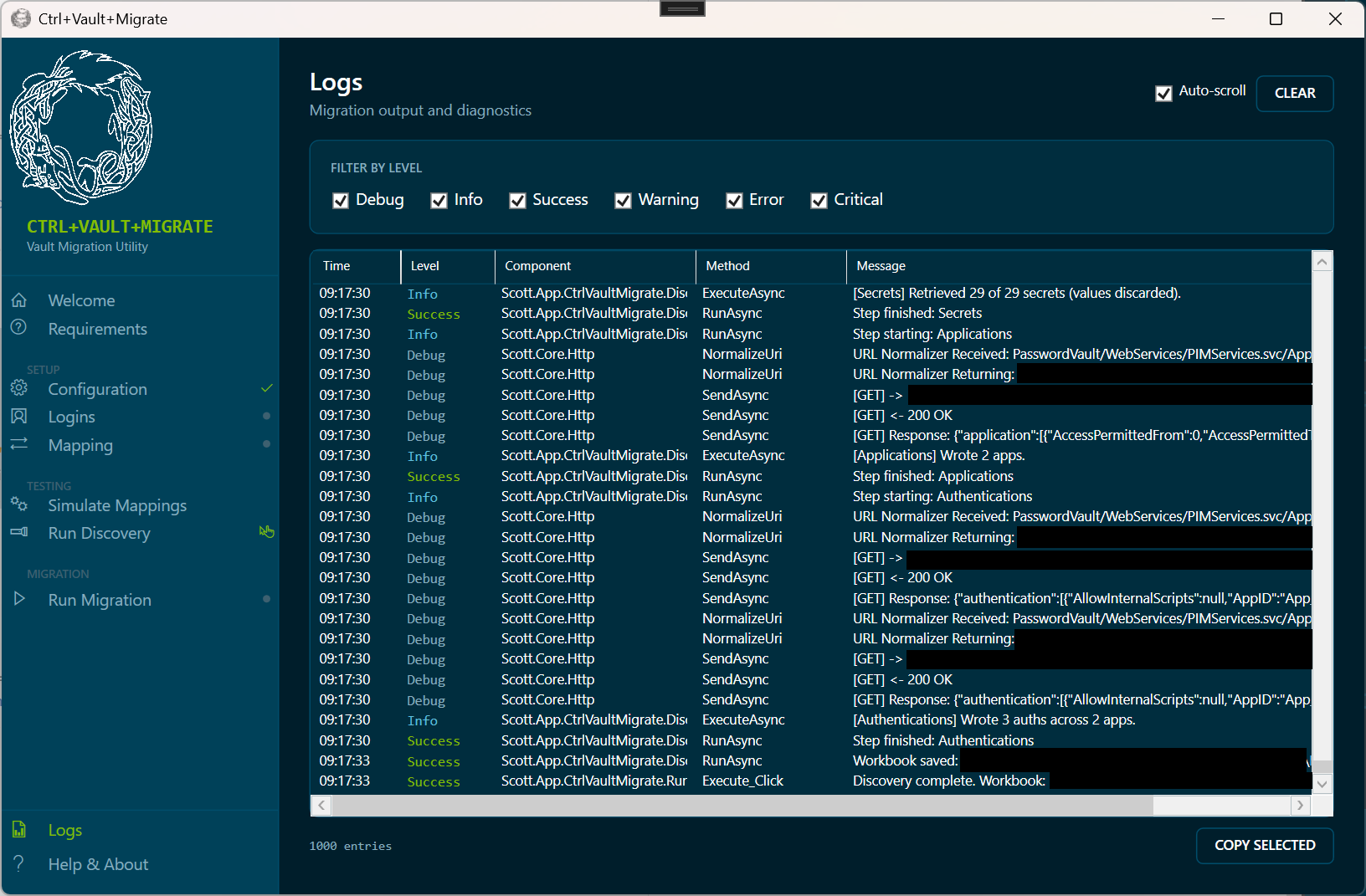
Detailed Audit Logging
Every migration produces a structured, exportable audit trail. Essential for compliance reviews and client sign-offs on what moved, what was skipped, and why.
Dry-Run / Preview Mode
See exactly what will be created, modified, or skipped before committing a single change. No surprises, no rollback anxiety.
Idempotent Operations
Run it twice and nothing doubles. Idempotency is built in so you can re-run migrations safely after partial failures or scope changes without cleanup overhead.
Open to Contribution
Licensed under Apache 2.0. Community contributions, new platform connectors, and feature requests are welcome via GitHub Issues.
Screenshots
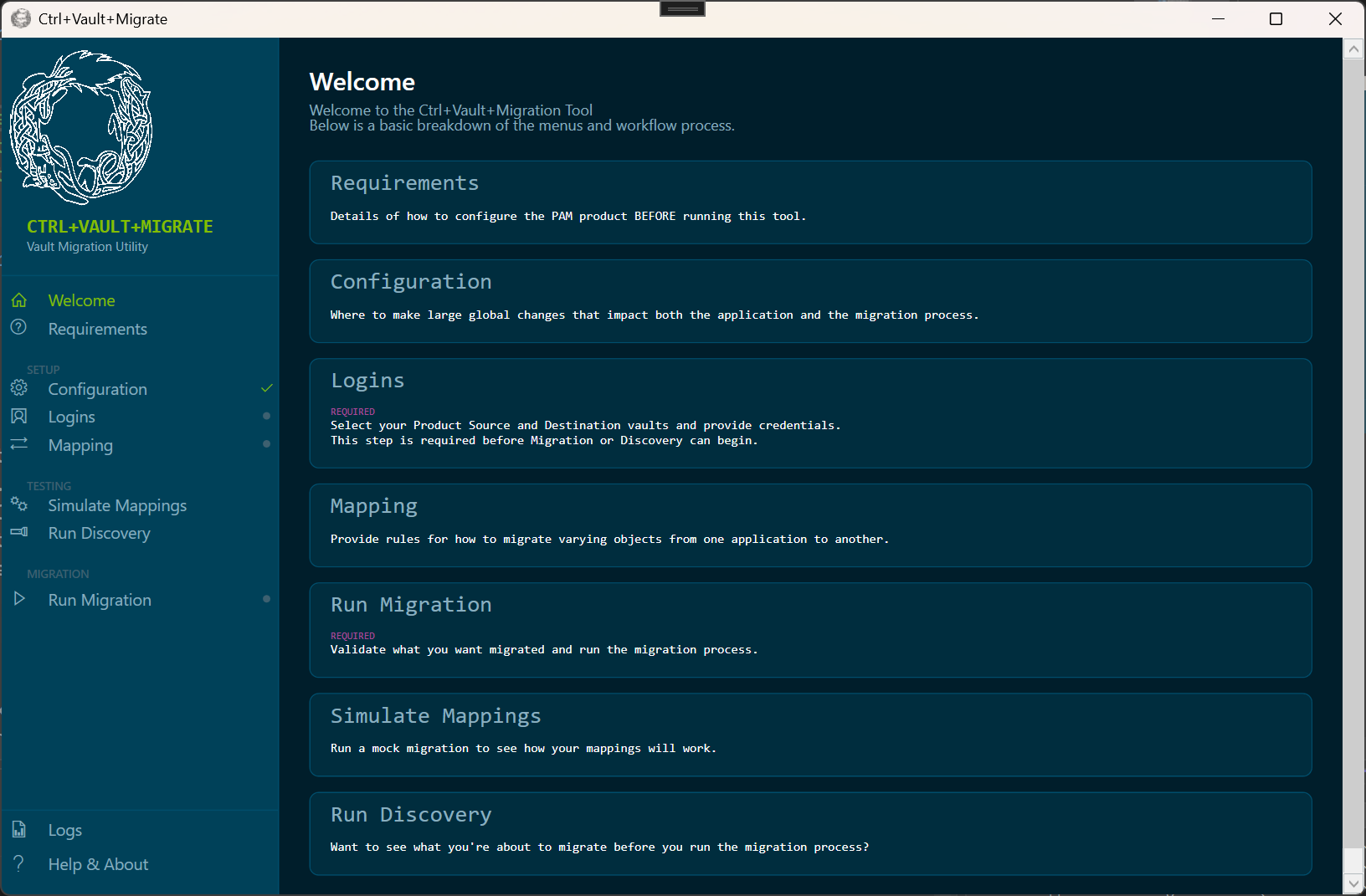
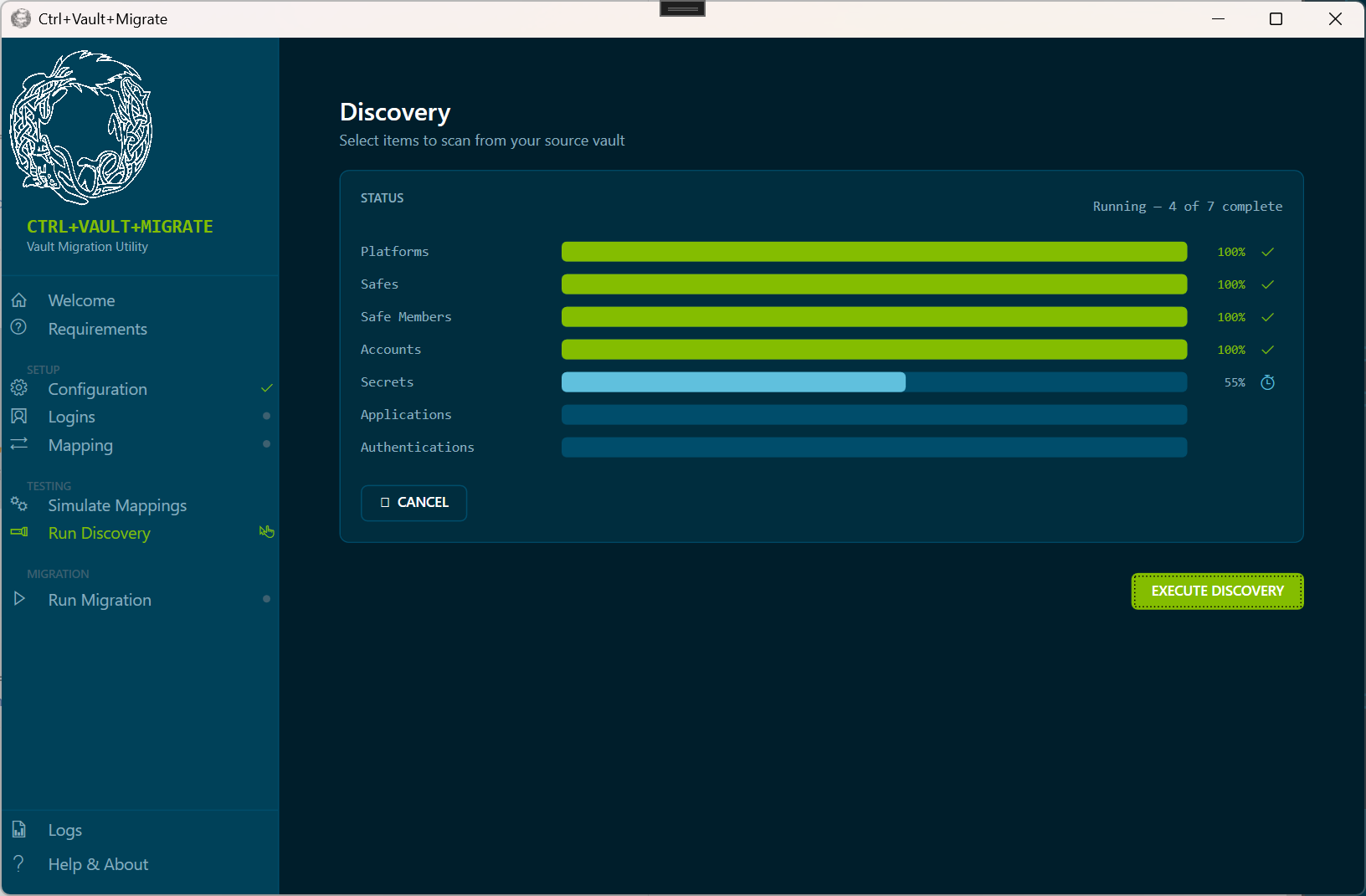
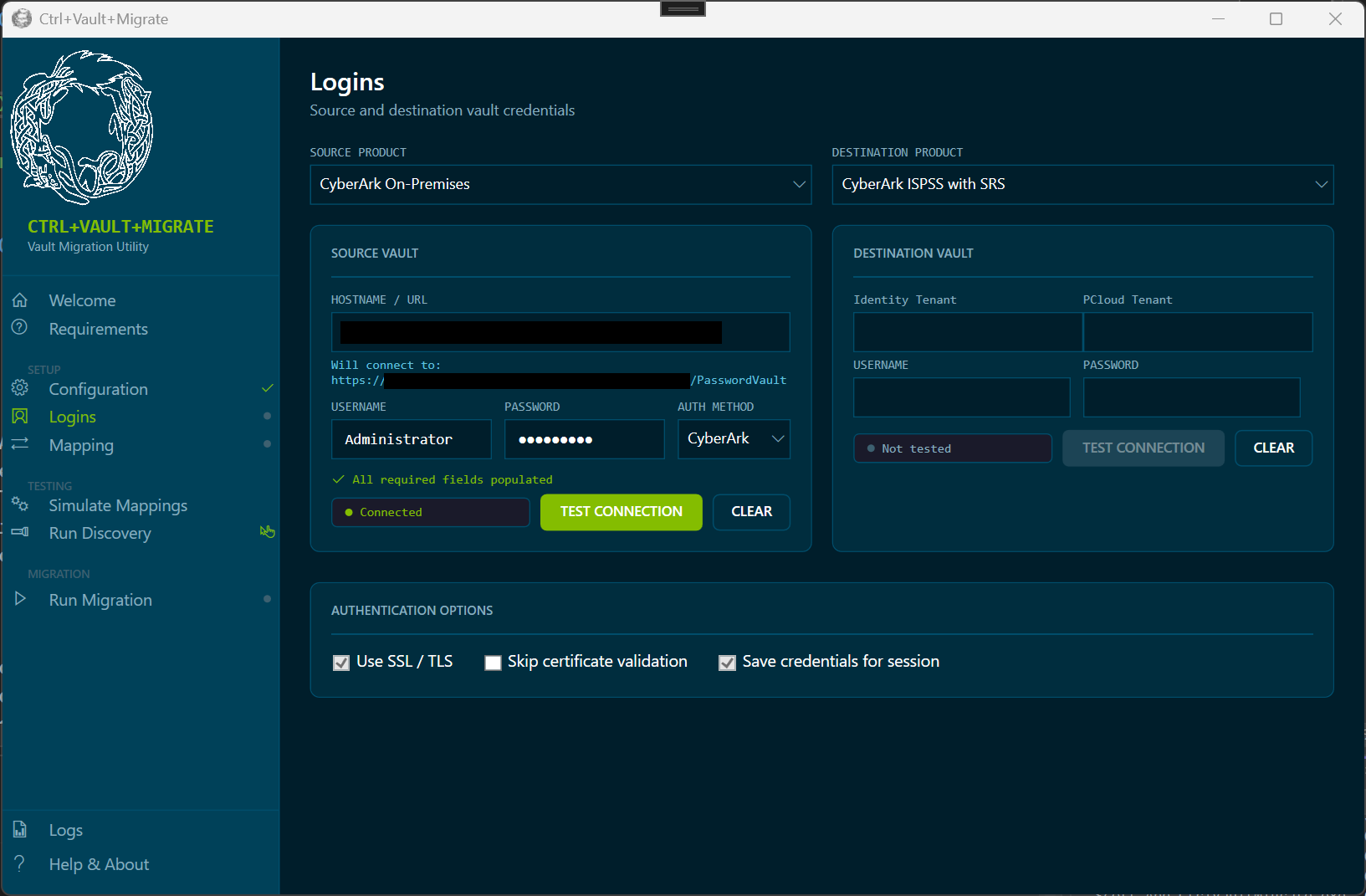
See it in action
Replace these placeholders with actual screenshots, demo recordings, or architecture diagrams.
Get Access
Interested in using Ctrl+Vault+Migrate?
This tool is available to qualified organizations and PAM teams.
Reach out directly to discuss your migration scenario, timeline, and platform compatibility.